academic_project_tracker
📊 Research Project Tracker
A lightweight, self-hosted research and task management system for researchers, graduate students, and academic teams.



✨ Features
Core Views
- 📊 Projects View - High-level overview of all research projects with status and progress tracking
- 📅 Deadlines Tracker - Track conference submissions, paper deadlines, and milestones with customizable conference lists
- 🎯 Kanban Board - Visual task management with drag-and-drop, checklists, and resource links
- 🎨 Whiteboard - Free-form brainstorming space for research ideas, meeting notes, and future project parking lot
Task Management
- ✅ Task Checklists - Break down complex tasks into manageable subtasks
- 🏷️ Smart Tagging - Categorize tasks with custom, color-coded tags
- 🔗 Resource Links - Integrate with Google Docs, Overleaf, GitHub, and more
- 🔍 Smart Filtering - Filter by project, tags, status, and priority
Planning & Tracking
- 🎯 Goal Management - Set and track monthly and semester-level objectives
- 📈 Progress Tracking - Visual indicators for projects, tasks, and goals
- ⏰ Smart Notifications - Customizable deadline reminders
Privacy & Control
- 💾 Self-Hosted - All data stays on your machine - complete privacy
- 📦 No Account Required - Install and start using immediately
- 🌓 Dark Mode - Easy on the eyes during late-night research sessions
🚀 Quick Start
# 1. Clone the repository
git clone https://github.com/YOUR-USERNAME/research-project-tracker.git
cd research-project-tracker

# 2. Install dependencies
npm install
cd src/frontend && npm install && cd ../..

# 3. Start the application
npm run dev

# 4. Open in browser
# Navigate to http://localhost:5173
That’s it! You’re ready to start tracking your research.
📸 Screenshots
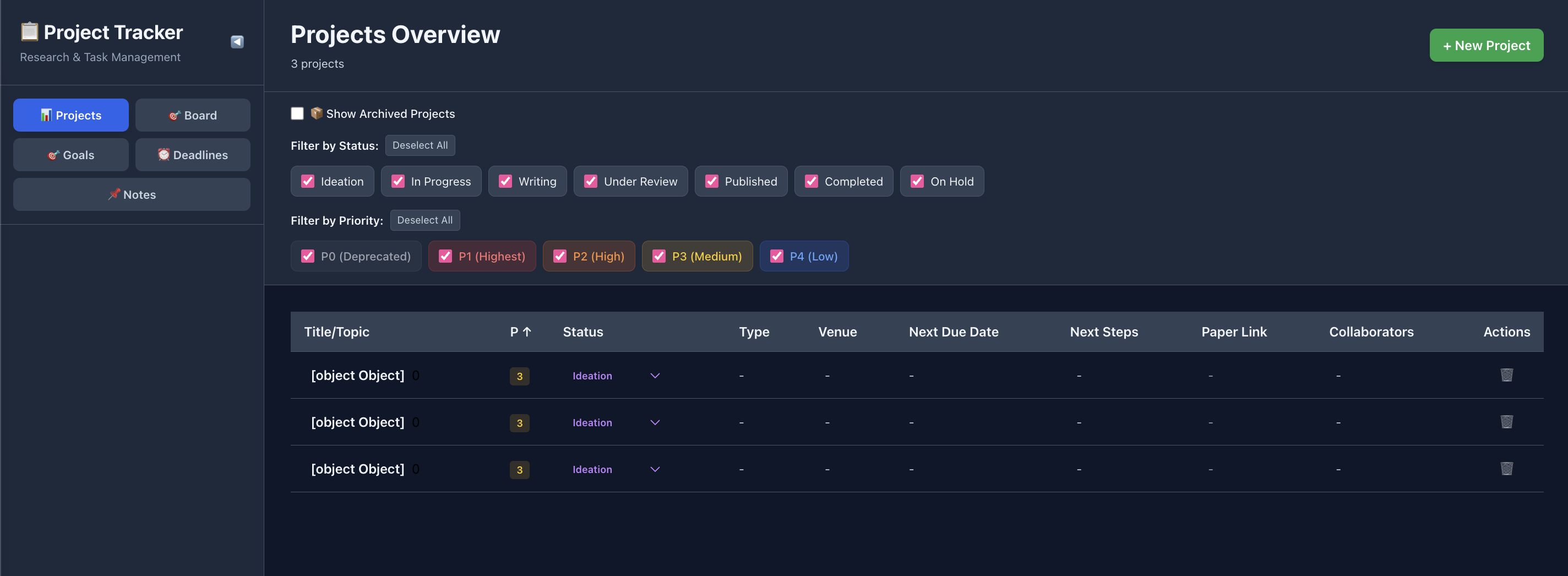
Projects Overview
High-level view of all research projects with status and progress tracking
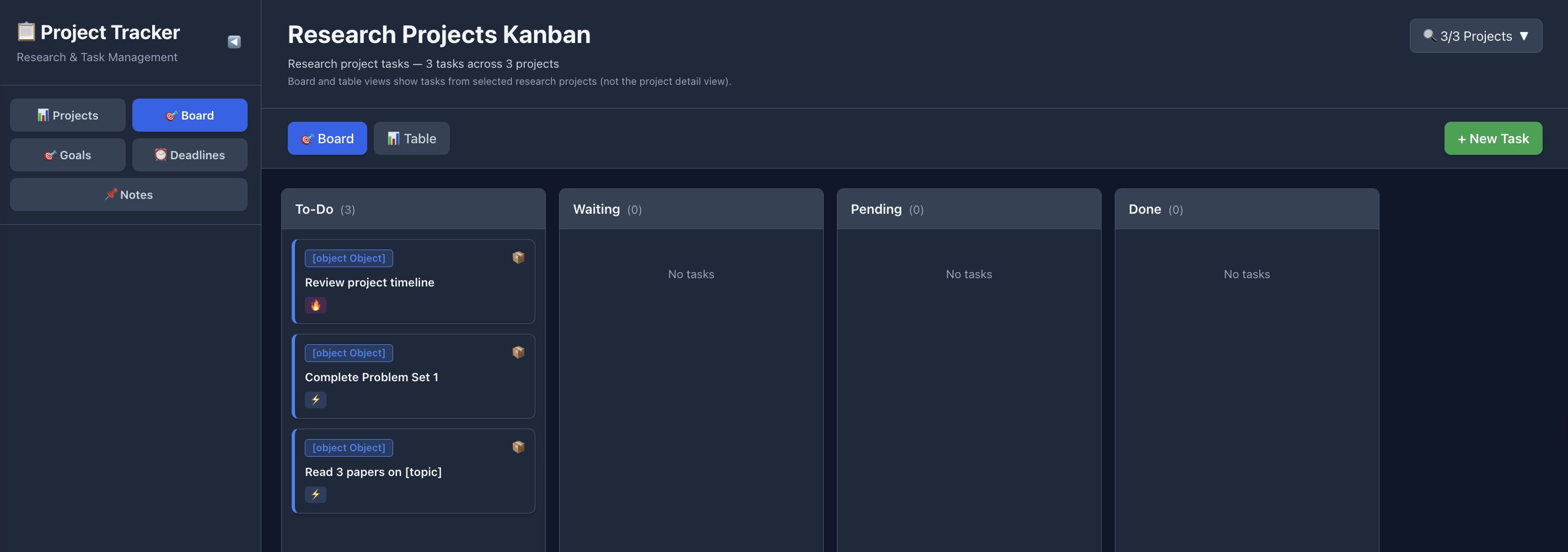
Kanban Board
Visual task management with drag-and-drop, checklists, and resource links
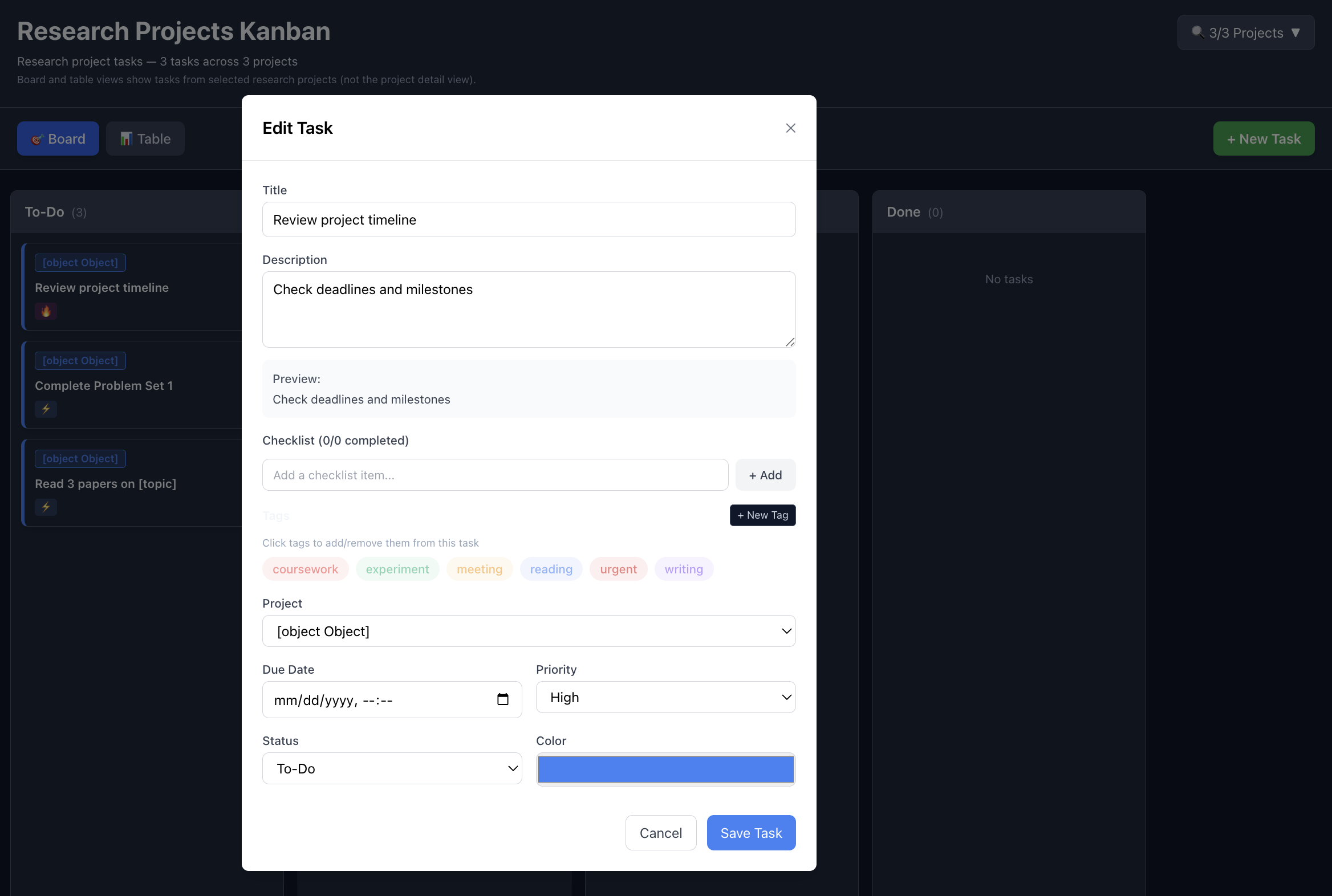
Task Details
Rich task details with checklists, resource links, and tags
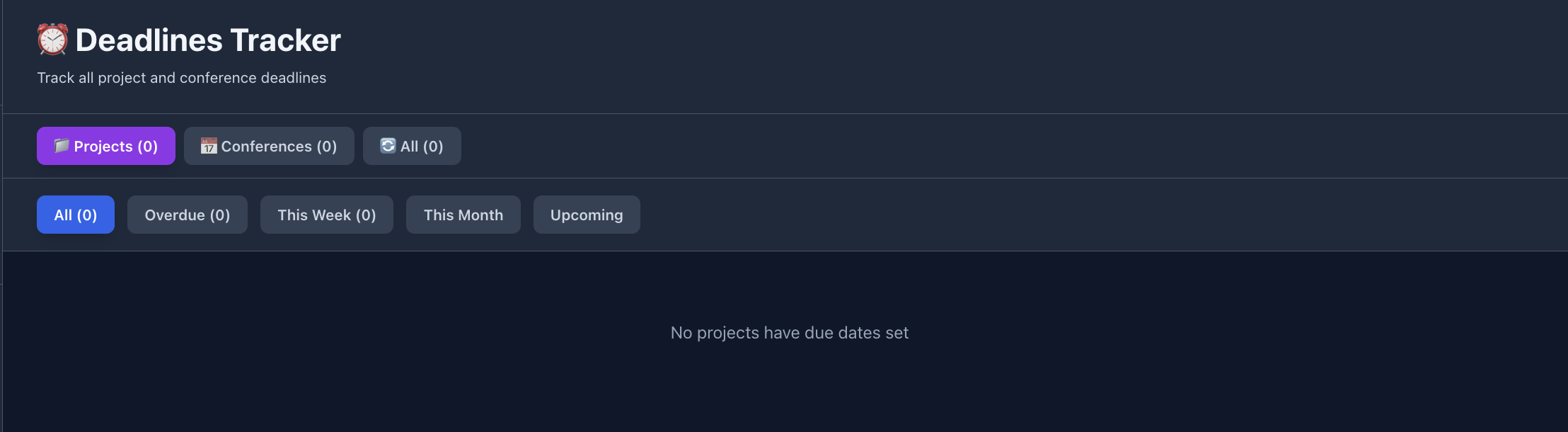
Deadlines Tracker
Track conference submissions and paper deadlines with customizable lists
Conference Deadline Tracker
Standalone dark-themed tracker for academic conference deadlines - customizable for your research field
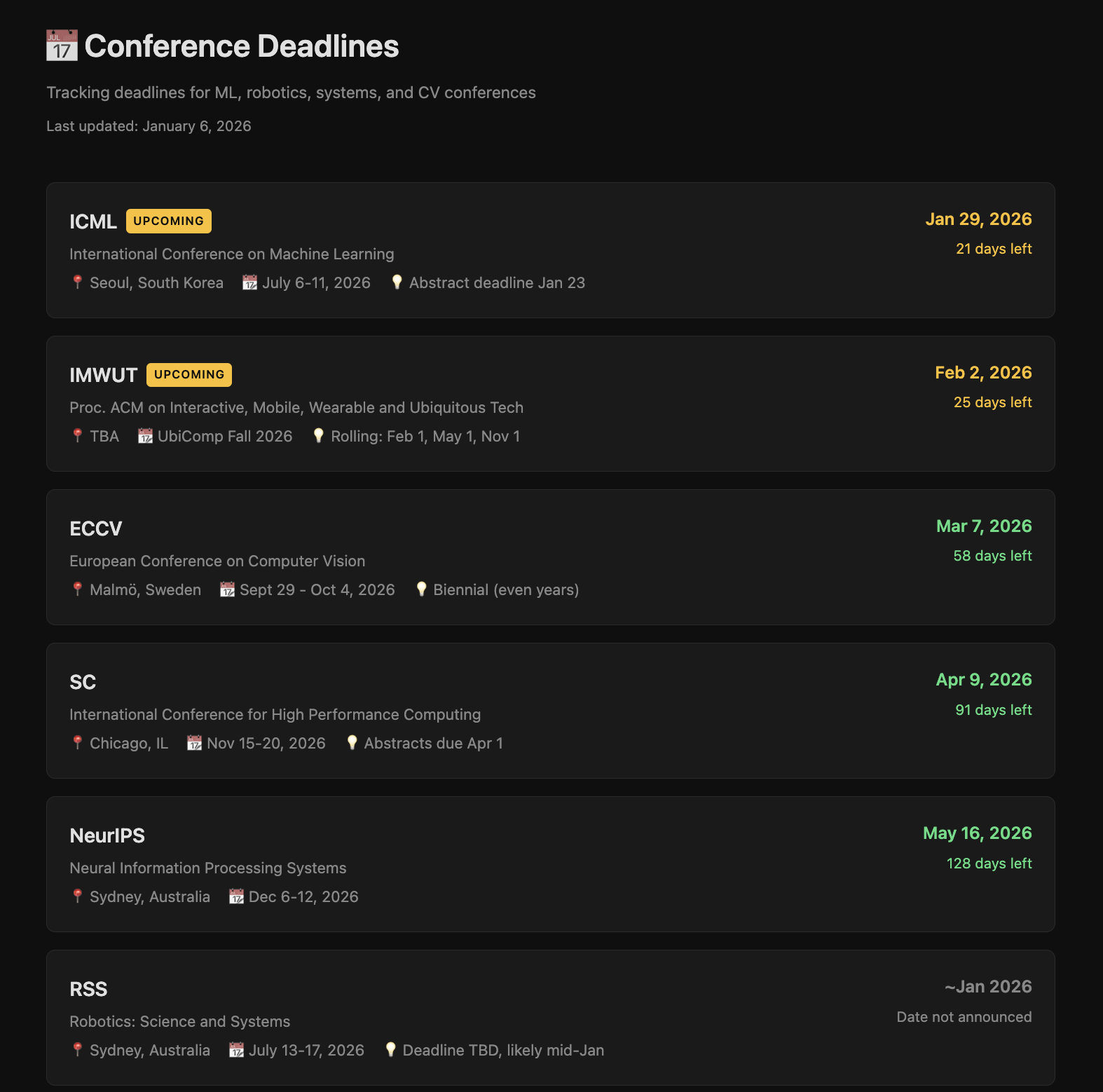
Bonus Feature: Includes a standalone HTML tracker for conference deadlines with auto-sorting, color-coded urgency, and countdown timers. See deadlines/readme.md for customization instructions.
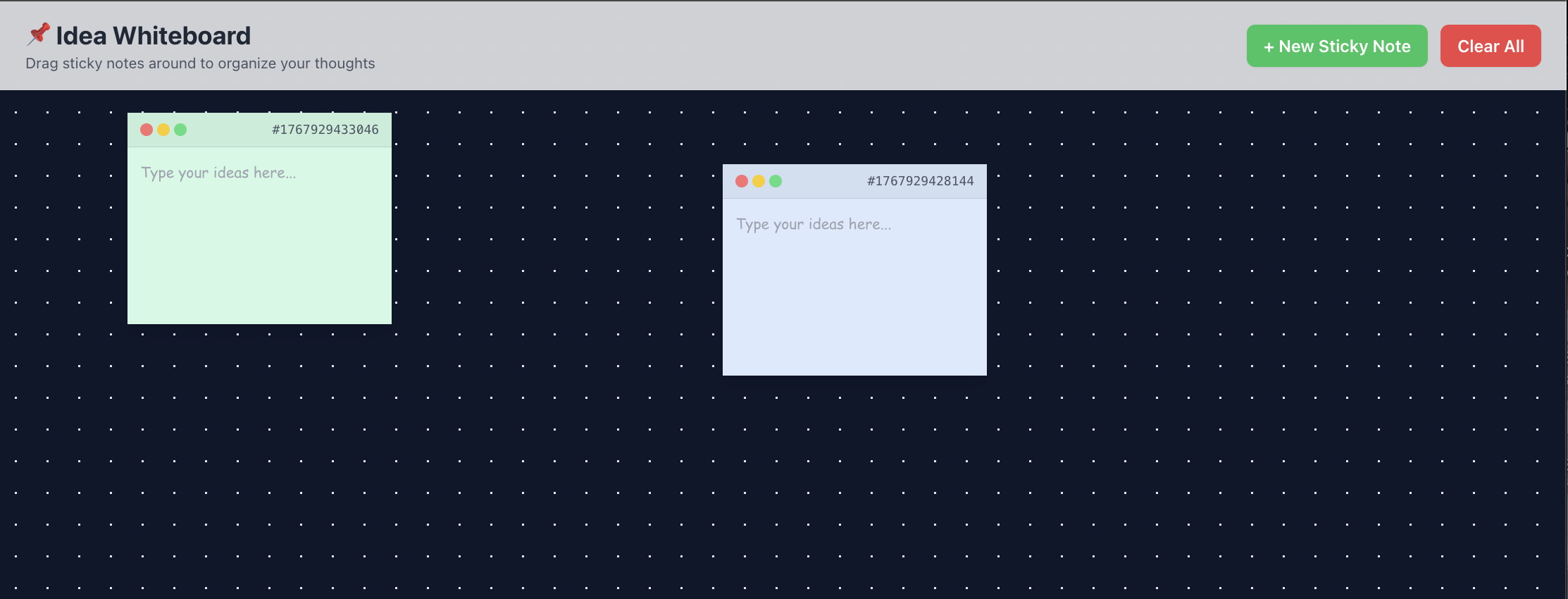
Whiteboard
Brainstorming space for research ideas, meeting notes, and future projects
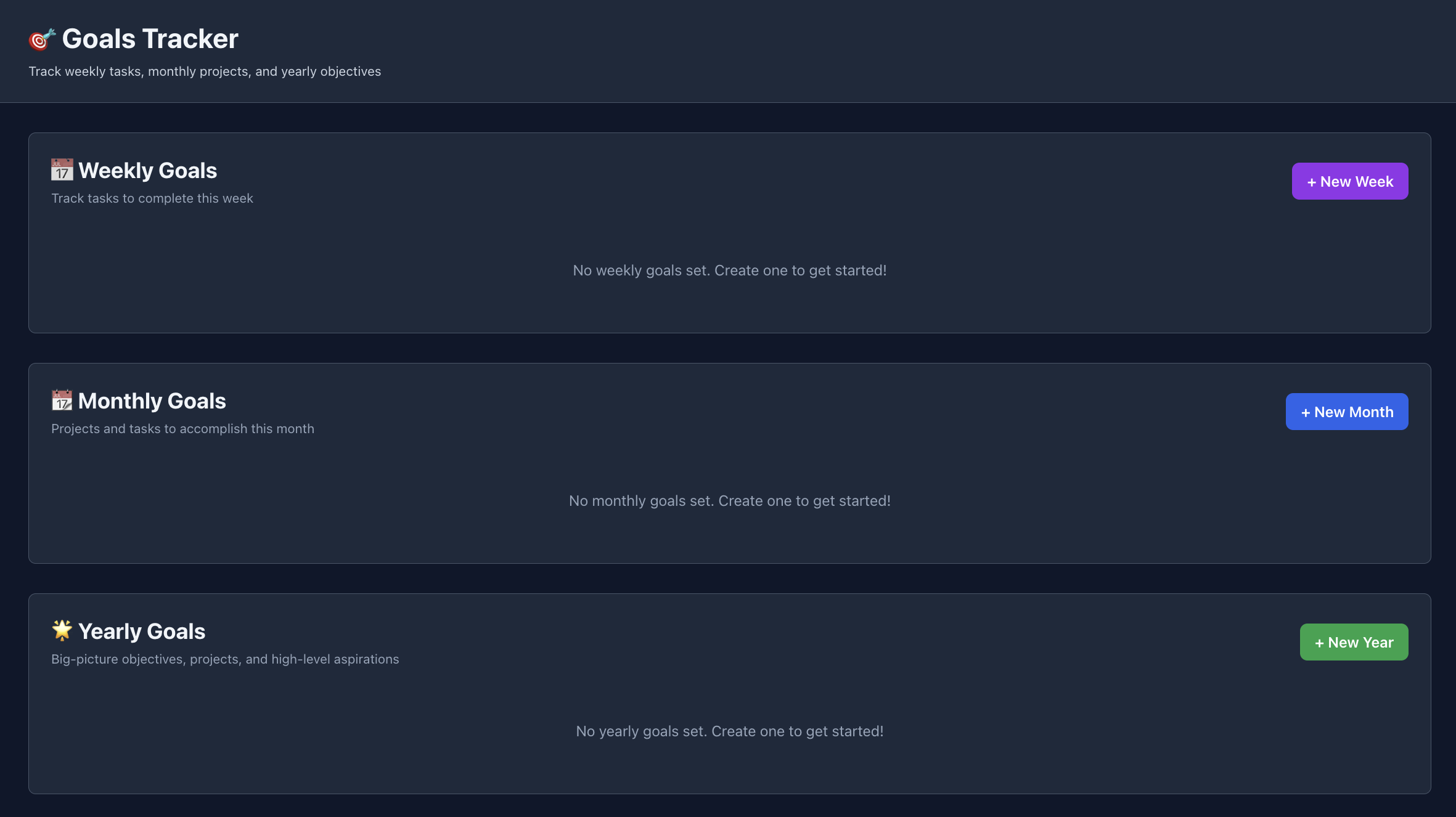
Goals Dashboard
Track monthly and semester-level research goals
🎯 Who Is This For?
- Graduate Students - Manage thesis work, coursework, and research projects
- Researchers - Track multiple research projects and paper submissions
- Academic Labs - Organize lab projects and experiments (fork for each member)
- Postdocs - Balance research, writing, and collaboration
- Faculty - Manage research, teaching, and service commitments
💡 Use Cases
Research Project Management
- Track literature review progress
- Manage experiment workflows
- Organize paper writing tasks
- Monitor revision deadlines
Academic Workflow
- Plan dissertation chapters
- Track paper submissions and reviews
- Manage conference deadlines (includes standalone tracker - see deadlines/readme.md)
- Organize teaching responsibilities
Collaboration
- Link to shared documents (Google Docs, Overleaf)
- Track code repositories (GitHub links)
- Organize meeting notes and action items
- Share progress with advisors
📚 Documentation
- Views Guide - Comprehensive guide to all views (Projects, Deadlines, Kanban, Whiteboard)
- Installation Guide - Detailed setup instructions
- User Guide - Complete feature walkthrough
- Customization Guide - Tailor it to your workflow
- Backup & Export - Keep your data safe
- FAQ - Common questions answered
- Troubleshooting - Fix common issues
For Educators
- Student Template - Ready-to-use student version
- Course Integration - Assignment template
🛠️ Technology Stack
| Component | Technology |
|---|---|
| Backend | Node.js + Express |
| Database | SQLite (portable, serverless) |
| Frontend | React + Vite |
| Styling | Tailwind CSS |
| State Management | React Hooks |
Why this stack?
- No database server needed - SQLite is just a file
- Easy to backup - Copy one file, backup complete
- Fast and lightweight - Minimal dependencies
- Self-contained - Everything runs locally
- Cross-platform - Works on Windows, Mac, Linux
⚙️ Installation
Prerequisites
- Node.js (v16 or higher)
- npm (comes with Node.js)
- 100MB disk space
Full Installation
See INSTALLATION.md for detailed instructions including:
- System requirements
- Installation on different OS
- Common issues and solutions
- Optional configurations
🎨 Customization
Make it yours! The tracker is designed to be customizable:
- Themes - Customize colors and styling
- Projects - Create unlimited projects
- Tags - Define your own categorization system
- Views - Tailor the interface to your workflow
- Fields - Add custom data fields to projects/tasks
See CUSTOMIZATION.md for detailed guides.
💾 Data & Privacy
- 100% Local - All data stored on your machine
- No Cloud - No external servers or accounts
- No Tracking - No analytics or telemetry
- Your Data - You own and control everything
- Easy Backup - One file:
src/backend/data/tracker.db
Backup Your Data
# Quick backup
npm run backup

# Manual backup
cp src/backend/data/tracker.db my-backup.db
🔧 Development
Want to contribute or customize?
# Install dependencies
npm install
cd src/frontend && npm install && cd ../..

# Run in development mode
npm run dev

# Run backend only
npm run dev:backend

# Run frontend only
npm run dev:frontend

# Build for production
npm run build
🤝 Contributing
Contributions are welcome! Whether you’re fixing bugs, adding features, or improving documentation.
See CONTRIBUTING.md for guidelines.
Quick Contribute
- Fork the repository
- Create a feature branch (
git checkout -b feature/amazing-feature) - Commit your changes (
git commit -m 'Add amazing feature') - Push to the branch (
git push origin feature/amazing-feature) - Open a Pull Request
📋 Roadmap
Current Version: 1.0
- ✅ Kanban board
- ✅ Project management
- ✅ Task tracking
- ✅ Tags and filtering
- ✅ Goals tracking
- ✅ Deadline management
Planned Features
- Calendar view
- Export to CSV/PDF
- Data import from Trello/Notion
- Mobile-responsive improvements
- Dark/light theme toggle
- Advanced search
- Time tracking (optional)
- Gantt chart view (optional)
See ROADMAP.md for full details and vote on features!
🐛 Bug Reports & Feature Requests
Found a bug or have a feature idea?
- Bug Reports: Create an issue
- Feature Requests: Request a feature
- Questions: Start a discussion
📄 License
This project is licensed under the MIT License - see the LICENSE file for details.
TL;DR: Free to use, modify, and distribute. No warranty.
🌟 Support the Project
If you find this useful:
- ⭐ Star the repository
- 🐛 Report bugs
- 💡 Suggest features
- 🔀 Submit pull requests
- 📢 Share with colleagues
🙏 Acknowledgments
Built for researchers, by researchers.
Inspired by:
- Trello (for the Kanban interface)
- Notion (for flexibility)
- Academic workflows (for features)
📞 Contact
- Issues: GitHub Issues
- Discussions: GitHub Discussions
- Email: your.email@example.com
Made with ❤️ for the research community
Star ⭐ this repo if you find it useful!